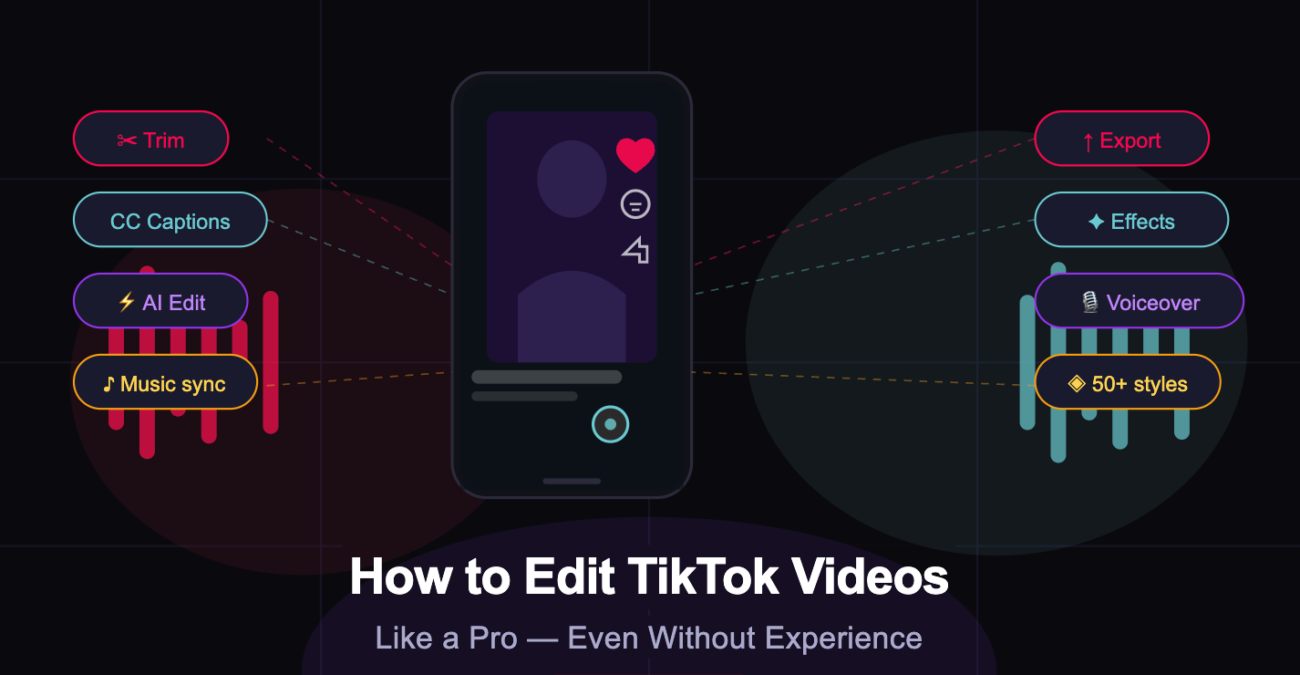
Every creator has experienced it, scrolling through TikTok, watching one seamlessly cut, perfectly timed video after another, and quietly wondering: how? It looks effortless, almost cinematic. And yet most of these creators didn’t come from film school. Many started with nothing but a phone and a willingness to figure it out.
Here’s what most people don’t realize: the gap between a video that gets 500 views and one that blows up on the For You Page is rarely about the idea. It’s almost always about the editing. Tight cuts, good pacing, synced audio, clear captions, these are the mechanics that keep viewers watching. And on TikTok, watch time is everything.
This guide covers exactly that. You’ll learn the core editing principles that separate forgettable videos from ones that actually stick, which tools are worth your time, and how to use an AI TikTok video editor to create professional-quality content in minutes, no prior experience required.
Why Editing Is the Real Difference-Maker on TikTok
TikTok’s algorithm is brutally efficient. It doesn’t care how many followers you have or how long you’ve been on the platform. What it cares about is engagement, specifically, how long people watch your video and whether they interact with it.
This is why editing matters more than most creators expect. A compelling idea with poor editing will lose viewers in the first three seconds. A simple idea with sharp, well-paced editing can hold attention all the way through, and that completion rate is precisely what tells TikTok’s algorithm to push the video to more people.
Consider what happens in those first few moments: a jarring cut, a slow intro, or five seconds of someone saying “so basically what I wanted to talk about today”, and the viewer is already gone. Good editing eliminates dead air before it starts.
Beyond retention, well-edited videos build credibility. When your content looks clean and deliberate, even newcomers are more likely to follow, share, and come back. Editing is your first impression, and on TikTok, you rarely get a second one.
Choosing the Right TikTok Video Editor
There’s no shortage of tools for editing TikTok videos, and the right choice depends on your goals, technical comfort, and how much time you’re willing to invest in learning a new tool. Here’s an honest breakdown of the main options.
TikTok’s Native Editor
TikTok’s built-in editor is the most accessible starting point. It handles basic functions, trimming, text overlays, filters, and sound sync, without requiring any setup. For jumping on trends quickly or using TikTok’s native effects library, it’s perfectly serviceable.
The limitations show up fast, though. Export quality is compressed, creative control is limited, and if you want anything beyond what TikTok’s own interface offers, custom fonts, advanced transitions, color grading, you’ll hit a ceiling quickly.
Third-Party Apps
Apps like CapCut and InShot have become popular among creators who want more control than TikTok’s native editor provides. CapCut in particular offers features like keyframing, speed ramping, and auto-captions, which are genuinely useful once you get past the learning curve.
That said, these tools still require manual effort at every step: importing footage, making cuts, adding voiceovers, syncing music. For creators producing content consistently, this time adds up.
AI TikTok Video Editors, The Smarter Way to Create
This is where things have changed significantly. AI-powered tools have removed most of the technical barriers that used to make video editing intimidating. Instead of importing clips, trimming manually, and hunting for music, you describe what you want, and the tool builds the video.
Invideo is one of the most capable options in this category. As a purpose-built AI TikTok video editor, it takes a script or simple prompt and turns it into a fully produced TikTok, with voiceover, subtitles, background music, and visuals, in minutes. It gives you access to over 16 million stock media assets, more than 50 style workflows, and a Magic Box editor that lets you make changes using plain-language commands like “delete this scene” or “change the voiceover accent.”
For beginners especially, this kind of tool isn’t just convenient, it’s genuinely transformative. You spend your energy on ideas and storytelling, not on technical execution.
Core Editing Principles Every Beginner Should Know
Whether you’re editing manually or using an AI tool to assist, understanding these fundamentals will make every video you create noticeably better.
1. Hook First, Always
The first three seconds of your TikTok are more valuable than the rest of the video combined. This isn’t an exaggeration, it’s how TikTok’s feed works. If viewers don’t feel compelled to keep watching within those first moments, they won’t.
Your hook doesn’t have to be dramatic. It can be a bold statement, a surprising visual, a question that creates curiosity, or just a clean confident presentation with no wasted time. What it cannot be is slow. Kill the intro. Start in the middle of the action.
2. Cut Ruthlessly
Every second in your video should earn its place. If a moment doesn’t add information, emotion, or forward momentum, cut it. This is the single habit that separates amateur edits from professional ones.
Jump cuts are your friend. So are split edits, where the audio from the next scene begins slightly before the visual cut. These techniques keep energy high and make even simple talking-head videos feel dynamic and intentional.
3. Sync Everything to Sound
Sound is foundational to how TikTok content is experienced. The vast majority of TikTok users watch with audio on, and trending sounds carry built-in algorithmic momentum, using them puts your content in front of people already engaging with that audio.
More practically: cutting to the beat makes your video feel professional even when the content is simple. When your visuals sync with the music, the whole piece feels cohesive and deliberate. It’s a low-effort, high-impact technique.
4. Always Add Captions
A significant portion of viewers scroll with the sound off, in transit, at work, in public. Without captions, you lose them entirely. With captions, you retain them and make your content accessible to a wider audience.
Most AI TikTok video editors generate captions automatically. In invideo, subtitles are added as part of the default output, meaning this step requires no extra effort on your part.
5. Maintain a Consistent Visual Identity
Consistency is what turns casual viewers into followers. When someone sees your video in their feed and immediately recognizes it as yours, because of your color palette, your font choices, or your editing style, you’ve built brand recognition without a single word of copy.
You don’t need to reinvent your visual style with every video. Pick a look and stick with it. Consistency signals professionalism and helps the algorithm identify your content as part of a coherent body of work.
6. End With a Clear Call to Action
The last few seconds of your video are prime real estate. Most creators waste them by just letting the video end. A simple, direct CTA, “follow for more,” “save this for later,” “comment your thoughts”, increases the probability of meaningful engagement, which feeds directly back into algorithmic performance.
Keep it brief and natural. One CTA per video is enough.
How to Create a TikTok Video Step-by-Step with an AI TikTok Video Maker
The fastest way to apply everything above, without spending hours in an editing timeline, is to use an AI TikTok video maker. Here’s exactly how the workflow looks with invideo.
Step 1: Choose a Workflow or Enter a Prompt
Start by selecting a workflow, invideo offers 50+ style options tailored to different content types, from educational explainers to entertainment clips, or simply type a prompt describing your video idea. Something as simple as “a 30-second video about three productivity tips for remote workers” is enough to get started. No filming required.
Step 2: Set Your Audience, Style, and Format
Invideo automatically optimizes for TikTok’s 9:16 vertical format. Before generating, you select your target audience, preferred visual style, and voiceover preferences. The platform supports over 50 languages for AI voiceovers, with human-sounding delivery that matches the emotional tone of the script.
Step 3: Edit Using the Magic Box
Once the video is generated, invideo’s Magic Box editor lets you refine it using plain-language commands, no timeline required. You type things like “delete the second scene,” “change the voiceover to a British accent,” “make the pacing faster,” or “add upbeat background music.” The editor processes your instruction and updates the video accordingly. For most creators, this takes under two minutes.
Step 4: Export and Publish
When you’re satisfied, export the video directly. It’s ready to upload to TikTok, properly formatted, captioned, and scored, without any additional processing. On paid plans, the export is watermark-free.
Pro Tips to Make Your TikTok Videos Stand Out
Once you’ve got the fundamentals down, these habits will push your content from good to consistently performing.
Loop your videos. TikTok’s algorithm rewards high completion rates, and videos that loop seamlessly encourage rewatches. Even a small improvement in average watch time has measurable algorithmic impact.
Batch your content. Consistency matters more than perfection on TikTok. Producing several videos in one session and scheduling them across the week keeps your account active without burning out your creative energy daily.
Use a green screen for easy visual variety. TikTok’s green screen effect lets you place any image or video clip as your background, adding production value with almost no extra effort. It’s particularly effective for reaction content and explainers.
Test your hooks. If a video underperforms, the first thing to examine is the hook. Try the same concept with a different opening and compare the retention data. TikTok’s analytics show exactly where viewers drop off, using that information.
Don’t over-edit. More effects and transitions don’t equal better content. Visual clutter is distracting. Clean, purposeful editing almost always outperforms over-produced videos. Less is usually more on TikTok.
Final Thoughts
Editing is a learnable skill, and in 2026, you don’t even need to master it manually to produce professional results. The tools available today, particularly AI-powered editors, have compressed what used to take hours into a workflow that takes minutes.
The principles haven’t changed: hook fast, cut tight, sync to sound, stay consistent. But the barrier to executing on those principles has never been lower.
If you’re ready to start creating, invideo’s TikTok video editor is worth trying, it’s free to get started, and you’ll have your first video ready before you’ve had time to second-guess the process.
